

Paste a YouTube video.
Get three thumbnails.

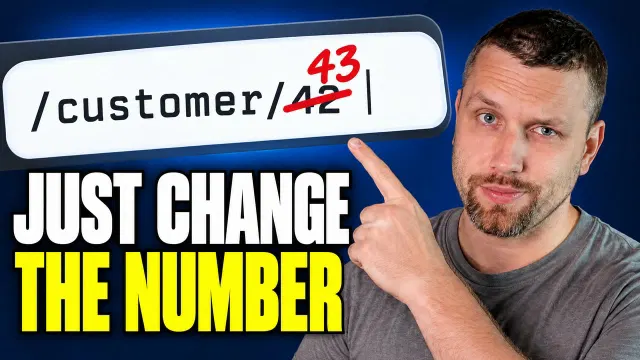
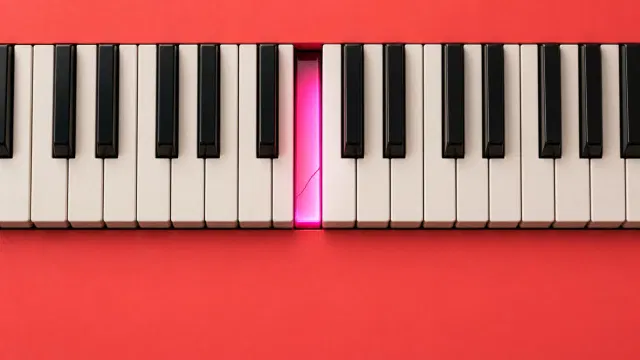
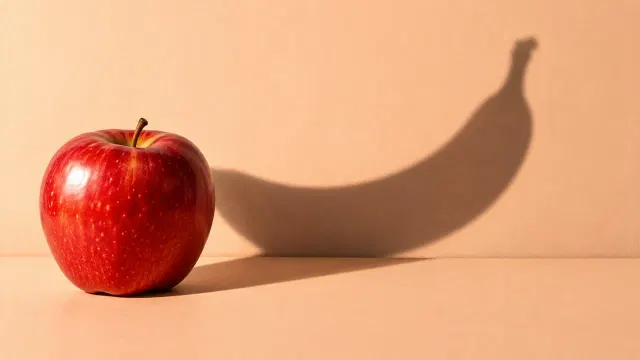
Thumbnail Factory watches the video and reads the transcript, then casts three concepts for it that each open a different question for the viewer: your face with the claim you make, an absurd metaphor, or the strongest moment itself. The first pack is free, with no credit card and no watermark.

Public videos up to 45 minutes. It takes about three minutes.

Scroll to see what you get

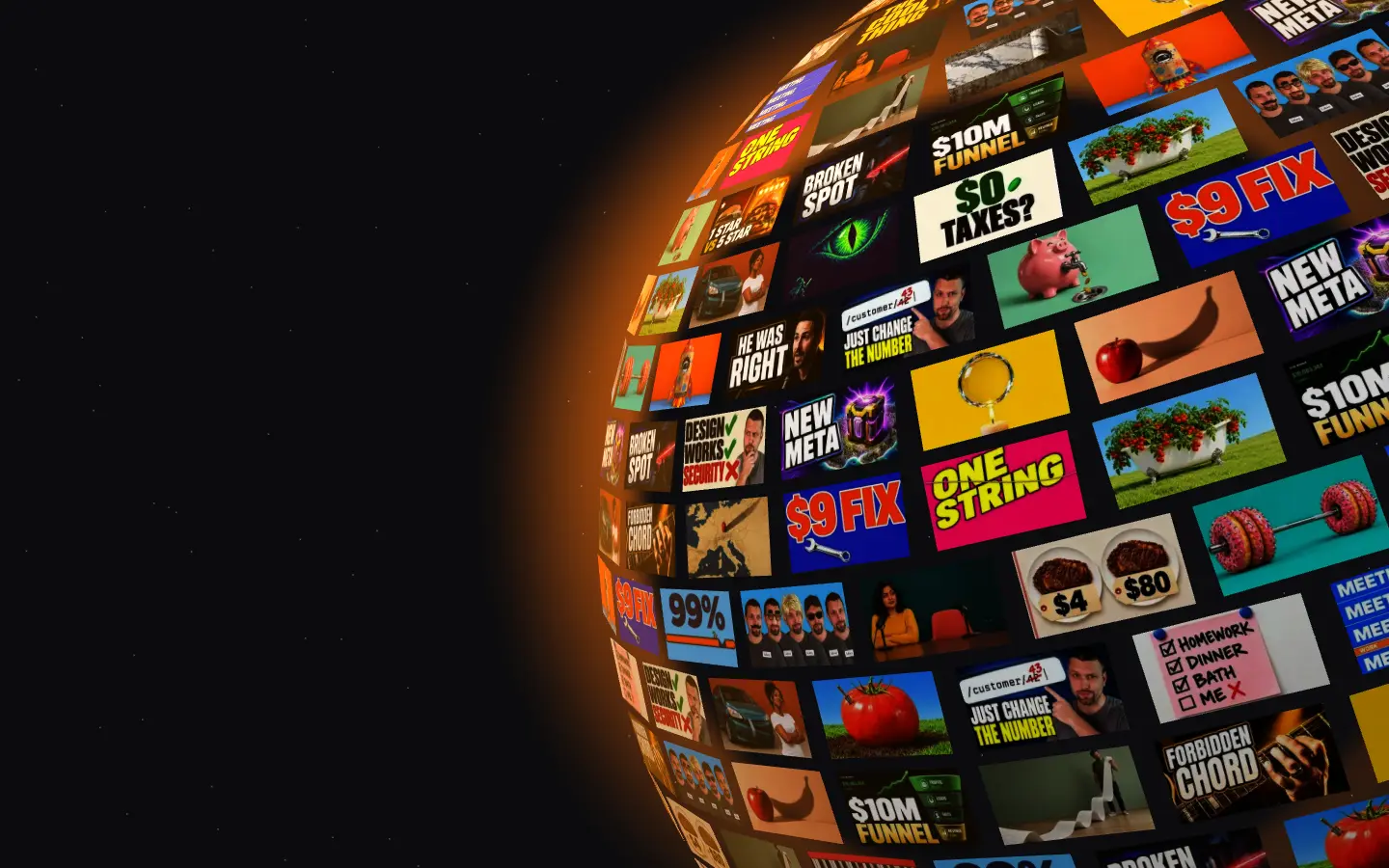
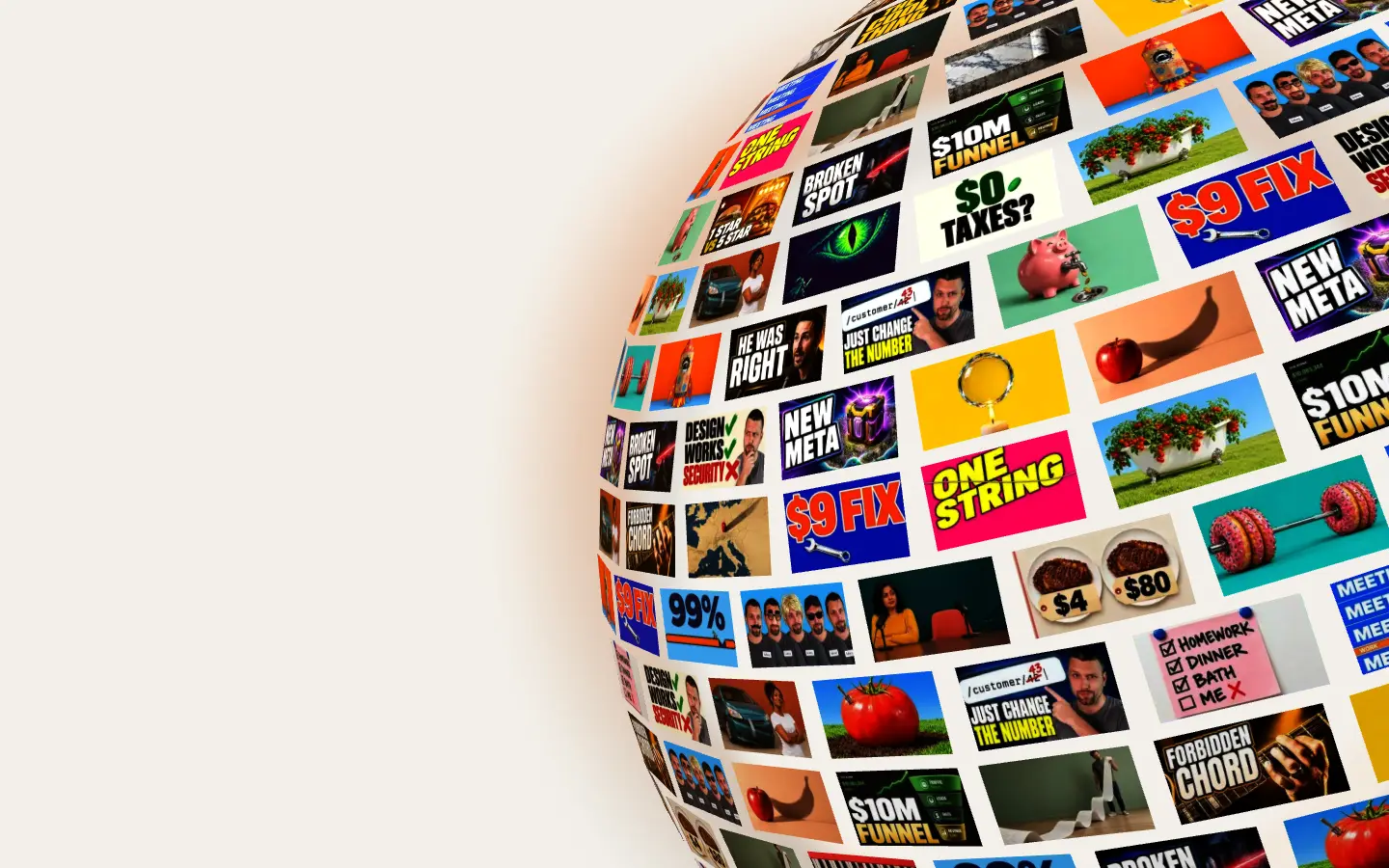
Three thumbnails, three different ideas.

One for each way a viewer gets curious: a face and a hook, the words themselves, or a picture that asks the question without a word. Each comes with the title it pairs with, made from the video, not from the title alone.

Seen where it will live.

Every concept is shown at phone size and next to its title among other videos, the way a viewer meets it, so you can judge it before you download.


A YouTube thumbnail generator that starts from your video

Thumbnail Factory is a free AI YouTube thumbnail generator by ContentFries. You paste the link to a public YouTube video; it watches the video, reads the transcript and takes your face from the frames, then returns three different thumbnail concepts cast for that video at 1280 × 720, with a matching title for each, in about three minutes. No selfie to upload and no prompt to write. It is made for creators who publish regularly and want their videos packaged like a top YouTube strategist would, without hiring one. The first pack is free with no sign-up, no credit card and no watermark; more packs and edits run on credits in a free ContentFries account, bought once, no subscription needed.

  • 3 thumbnail concepts and 3 titles per pack
  • 1280 × 720, 16:9, no watermark
  • About 3 minutes from link to download
  • First pack free, no sign-up, no credit card
  • Your face from your own video frames, no selfie upload
  • Public or unlisted videos up to 45 minutes

No click = no view.

Thumbnail and title are the packaging. You can have the best video in the world; if nobody clicks it, nobody watches it, and YouTube shows it to nobody. Packaging decides half the battle before a single second plays.

90%

of the best-performing videos on YouTube have custom thumbnails, by YouTube’s own count.

YouTube Help, Thumbnail & title tips
250 2,170 views

One video sat at about 250 views. Lukas then used Thumbnail Factory and swapped the thumbnail and title; about a day later it was at 2,170. The video did not change, only the packaging did.

Thumbnail Factory does the packaging part for you: three thumbnails and three titles, made from what is actually in the video.

There is a whole science behind a good thumbnail.

Most thumbnails get ignored for the same handful of reasons. A good thumbnail has one job: grab attention and lead to the click. Everything that does not serve that job is in the way.

This is the size the viewer meets it at.

About 168 pixels wide in the phone feed. If the thumbnail does not read here, it does not exist. Every concept is shown to you at this size before you download.

The mistake
What Thumbnail Factory does instead
Unreadable on a phone: thin text, small subject, busy background.
Text and subject are sized for 168 px, two or three bold colours, a simple background, and you see each concept at feed size.
Trying to explain the whole video in one image.
One subject per thumbnail and three elements at most. The title says the rest.
Saying the same point twice: in the title and again in the thumbnail.
The thumbnail either stands on its own or adds what the title leaves out. The point never lands twice, even in different words.
A small, flat face, or a stock face that is not you.
Your face comes from the video’s own frames, cropped large, with an expression that reads and fits the hook.
Something important in the bottom-right corner.
That corner stays clear. YouTube prints the duration badge over it on every surface.
Promising what the video does not deliver.
Hooks come from the transcript and the frames, so the thumbnail promises something you actually say or show.

Every concept gets the same ten-rule check as the thumbnail your video has on YouTube right now, so you see what each one fixes.

How it works: three steps, about three minutes

  1. Paste the link

    A public or unlisted YouTube video up to 45 minutes. No upload, no prompt, no selfie.

  2. It watches the video

    Thumbnail Factory reads the transcript, picks the claims and moments that can carry a hook, and takes your face from the frames where it reads best. If nobody is on camera, no face is invented: the concepts come from the strongest moment, the object or a metaphor instead.

  3. Three thumbnails, three titles

    Three different concepts cast for this video: your face with the claim it makes, your face next to an oversized object, an absurd metaphor, a mystery, or the strongest moment of the video, each with the title it pairs with. Every one gets a ten-rule thumbnail check and is shown in a feed at phone size. Download at 1280 × 720, no watermark.

Why it beats template tools and prompt boxes

Three kinds of tools make YouTube thumbnails today. Here is where each one starts, stated fairly.

FeatureThumbnail FactoryTemplate editors (Canva and similar)Prompt-only AI image toolsSelfie-upload thumbnail apps
Starts fromYour YouTube linkA blank templateA prompt you writePhotos of yourself you upload
Knows what the video is aboutYes: watches it and reads the transcriptNoOnly what you typeUsually the title or a prompt
Your faceFrom your video frames, nothing to uploadOnly if you upload and cut it out yourselfOnly from reference photos you uploadFrom uploaded selfies or a trained persona
TitlesThree, written from the video, one per conceptNot from your videoNoSometimes
Thumbnail checkTen rules, on the new concepts and on your current thumbnailNoNoRarely
Seen in a feed at phone sizeYes, every conceptOnly if you mock it upNoSometimes
PriceFirst pack free, then credits bought once, no subscription neededFree plan, subscription for premium assetsMostly subscriptionsMostly subscriptions, with a trial or a few free credits
Best forPackaging made from the actual video, in minutesHands-on design with full manual controlIllustration and art, not packagingFace thumbnails when you already have good photos

Your current thumbnail gets a check too

Paste a video that is already on YouTube and the pack starts with what is live right now: the current thumbnail, checked against ten rules a strong thumbnail follows. Each rule is a verdict with the reason and the one fix, no score and no prediction. The three new concepts go through the same check, so you can see which of them fixes what the current one gets wrong.

  • One clear main element
  • Three elements or fewer
  • Text is 4 words or fewer (or none)
  • Readable on a phone
  • Doesn't repeat the title
  • Matches what the video shows
  • Bottom-right corner is clear
  • 2-3 bold colours, simple background
  • No tiny details
  • Strong face

An automated check against common thumbnail rules. It is not a prediction of how the thumbnail will perform.

Three concepts, one A/B test

YouTube Studio lets you test up to three titles and thumbnails on one video and then shows all viewers the one with the highest watch time. A pack is three concepts with three titles, so it drops straight into a test: upload all three, let YouTube run it for up to two weeks, keep the winner. If the test ends inconclusive, YouTube keeps the first option and the choice stays yours.

The test runs in YouTube Studio on a computer and needs advanced features enabled on the channel.

YouTube Help, A/B test titles & thumbnails

Questions

Is Thumbnail Factory free?
The first pack is free: three thumbnails with titles for one video, with no sign-up, no credit card and no watermark. After that, packs and edits run on credits in a free ContentFries account. Credits are bought once and do not expire, no subscription needed.
What does the free pack include?
Three thumbnails at 1280 × 720 for one video, each a different concept cast for that video, with the title it pairs with. No watermark, and the first pack is free to download. Edits and more packs need a free account.
What does it need from me?
A link to a public or unlisted YouTube video up to 45 minutes. Nothing else for the first pack: no selfie, no prompt, no brand kit.
Can it put my face on the thumbnail?
Yes, and it takes your face from the video's own frames, so the free pack already has it; nothing to upload. The face concept pairs your expression with a hook written from what you actually say in the video.
Does it work for videos without anyone on camera?
Yes. When the frames show nobody, no face is invented: the three concepts are cast from the ones that need no face, such as the strongest moment of the video, an absurd metaphor or a mystery, with the game scene, the object or the result carrying the image.
How is it different from Canva or another template editor?
A template editor starts from a blank layout and you do the thinking: the idea, the words, the cut-out of your face. Thumbnail Factory starts from the video. It reads the transcript and the frames, picks the hook, writes the title and places your real face, then hands you three finished concepts to download or edit.
How is it different from AI image generators like Midjourney?
A prompt box only knows what you type and the reference photos you upload. Thumbnail Factory knows what the video says and shows, uses your face from the frames, writes the title to match, and runs each concept through a ten-rule thumbnail check.
What size are the thumbnails?
1280 × 720 pixels in 16:9, which is the format YouTube accepts for a custom thumbnail, with no watermark. Upload them in YouTube Studio as they are.
Can I use it for A/B testing in YouTube Studio?
Yes. YouTube Studio tests up to three titles and thumbnails on one video and keeps the one with the highest watch time. A pack is exactly three concepts with three titles, so you can upload all three and let the test pick; if it ends inconclusive, YouTube keeps the first one and you can still choose.
What do credits cost?
Credits are bought once and do not expire, no subscription needed. The price of a pack and of a change is shown before you confirm, and the credit packs are listed in the top-up sheet.
Can I change a thumbnail after it's made?
Yes. Describe the change in words, for example "red text" or "less sky", and only that part is redone. Changes need an account and run on credits.
How long does it take?
About three minutes for a pack. The tool watches the video, writes the hooks and titles, renders the three concepts and checks them. You can leave the tab open; it keeps going.
Who makes Thumbnail Factory?
ContentFries, the content repurposing tool, and Lukas, who runs the CodingFry YouTube channel. The thumbnails on this page that say CodingFry are real outputs for his real videos.
Where do the examples on this page come from?
They are outputs of this tool for real videos, most of them from the CodingFry channel. The method behind it is published as an open skill; Thumbnail Factory runs it for you, with the video already read. The youtube-thumbnails skill on GitHub

Paste the link. Get thumbnails like from a top YouTube strategist.

Three concepts, three titles, your face from your own video, in about three minutes.

Make my free pack

First pack free, no sign-up, no credit card, no watermark.

More on YouTube thumbnails

ContentFries / Thumbnail Factory
Paste a YouTube video. Get three thumbnails.
Free. From the video itself. No watermark.